DeepToSeek

Adobe PhotoshopPaid
Overview
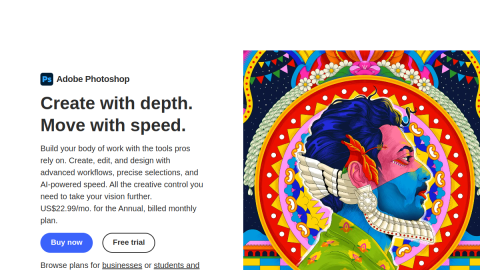
Photoshop puts generative AI inside the editor professionals already use: Generative Fill paints into a selection using the surrounding light and perspective, and Generative Expand stretches the canvas while inventing its edges.
Unlike text-to-image tools it works on assets you already own — swapping backgrounds, removing bystanders, extending a cropped product shot — all on real layers that stay editable. The cost is a subscription plus a metered cloud quota, and layers and masks take a few hours to learn.
What it does
- Generative Fill fills any selection from a prompt, matching light and perspective
- Generative Expand extends canvas and reconstructs the new edges
- Remove Tool clears people, wires and clutter in one stroke
- Shared cloud library with Lightroom, Illustrator and Camera Raw
Best forE-commerce product shots with new backgrounds, Portrait retouching and object removal, Final clean-up on design comps
FAQ
Does Adobe Photoshop have a free plan?
Paid Creative Cloud subscription; generative credits are metered by plan tier.
What is Adobe Photoshop used for?
Typical uses: E-commerce product shots with new backgrounds; Portrait retouching and object removal. Key capability: Generative Fill fills any selection from a prompt, matching light and perspective.
What are the downsides of Adobe Photoshop?
Things to watch: Subscription pricing plus a separate quota for generative actions|Cloud generation needs a stable connection and queues at peak hours.