DeepToSeek

Asana AIPaid
Overview
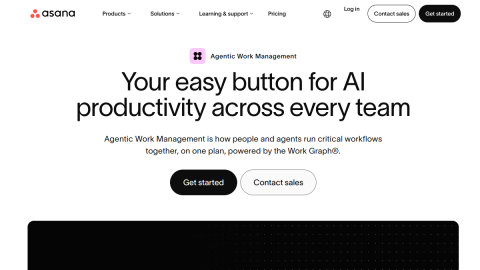
Asana's AI Teammates behave like a collaborator with access to the project: they watch status, flag tasks that slip or block others, adjust priorities, break goals into tasks and write status updates that include identified risks.
Unlike assistants that only answer questions, they can trigger workflow actions. Availability starts at the enterprise tier, so cost is real, and a misconfigured rule can change tasks you did not intend to touch.
What it does
- Monitors project status and flags blockers
- Breaks goals into tasks and assigns owners
- Generates status updates and risk summaries
- Executes actions inside workflows
Best forCross-team project tracking, Reprioritising when scope changes, Recurring status reporting
FAQ
Is Asana AI free?
Included in higher Asana tiers; enterprise pricing on request.
What is Asana AI used for?
Typical uses: Cross-team project tracking; Reprioritising when scope changes. Key capability: Monitors project status and flags blockers.
What are the downsides of Asana AI?
Things to watch: Enterprise-tier pricing|Automation rules can misfire without a pilot phase.