DeepToSeek

AudioStripFreemium
Overview
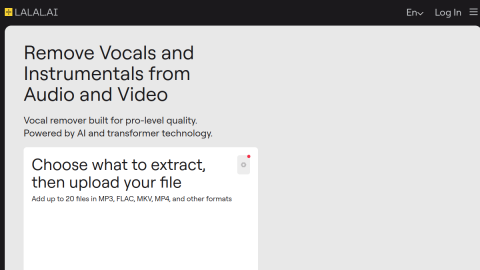
AudioStrip separates stems in the browser: upload a track and get vocals, drums, bass and piano as individual files, using models that keep vocals and accompaniment cleaner than older phase-cancellation tricks.
It is enough for covers, remixes and sampling, works on mobile, and lets you audition each stem before downloading. Free file size and duration limits apply, dense mixes still bleed, and the team warns that separated audio is not licensed source material.

What it does
- Vocal and instrumental separation with multi-stem export
- Runs online, including mobile browsers
- Audition each stem before download
- History of past jobs for signed-in users
Best forExtracting backing tracks for covers, Preparing stems for remixes, Isolating an instrument for practice
FAQ
How much does AudioStrip cost?
Freemium with file limits; subscription for larger files and HD stems.
Who is AudioStrip for?
Typical uses: Extracting backing tracks for covers; Preparing stems for remixes. Key capability: Vocal and instrumental separation with multi-stem export.
What are the downsides of AudioStrip?
Things to watch: Free tier caps file size and duration|Dense mixes bleed; output is not licensed source material.