DeepToSeek

CapCutFreemium
Price Free tier available; paid plans raise limitsVerified 2026-11-12
Overview
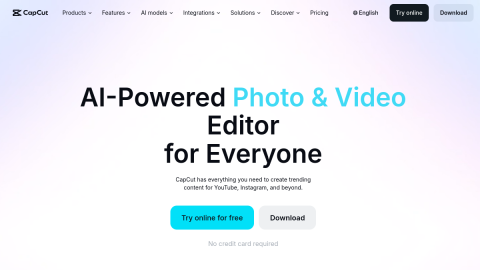
ByteDance's cross-platform editor with automatic captions, smart cutout, text-to-video and AI effects on phone and desktop, a baseline tool for short-video creators.
A typical use is cutting a talking-head clip on a phone, or animating product images.
What it does
- Automatic speech-to-caption
- Smart cutout and background replacement
- Text or image to video with templates
Best forCut a quick talking-head clip on a phone, Turn product shots into a motion showcase
FAQ
How much does CapCut cost?
Free tier available; paid plans raise limits.
What is CapCut used for?
Typical uses: Cut a quick talking-head clip on a phone; Turn product shots into a motion showcase. Key capability: Automatic speech-to-caption.
What are the downsides of CapCut?
Things to watch: Premium templates and some AI features need a subscription; exports can look compressed.
Rate this tool
★★★★★★★★★★ 4.2
Editor rating
Sign in to rate →
Ad