DeepToSeek

Cleanup.picturesFreemium
Overview
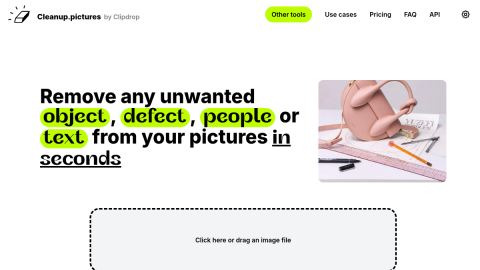
Cleanup.pictures does exactly one thing: erase what you paint over.
Brush the object, and the model rebuilds the area from surrounding texture — people, poles, text and watermarks all handled in two steps, paint and wait. It is the tool you reach for when a tourist photo has a stranger in it, a screenshot has a floating panel, or a product shot still shows a price tag. Free exports are resolution-capped, and large deletions across busy textures repeat visibly.
What it does
- Paint-to-erase with texture-aware inpainting
- Removes objects, people, text and watermarks
- No account needed to try; two-step flow
- API available for batch pipelines
Best forRemoving strangers and wires from travel photos, Cleaning watermarks and overlays from screenshots, Clearing tags and clutter from product shots
FAQ
How much does Cleanup.pictures cost?
Free with resolution limits; subscription for full-resolution export and API access.
When should I use Cleanup.pictures?
Typical uses: Removing strangers and wires from travel photos; Cleaning watermarks and overlays from screenshots. Key capability: Paint-to-erase with texture-aware inpainting.
What are the downsides of Cleanup.pictures?
Things to watch: Free exports are resolution-capped|Large or highly textured areas repeat visibly.