DeepToSeek

Domo AIFreemium
Overview
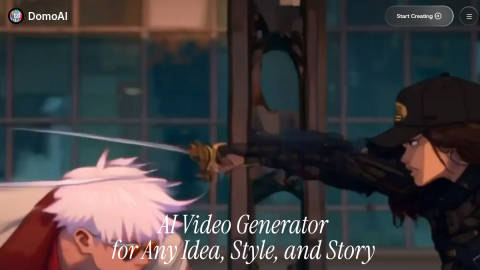
Domo AI restyles existing footage: upload a live-action clip, pick a look — anime, 3D, pixel, oil paint — and the whole clip is redrawn while keeping motion and camera, which reads far more coherently than frame-by-frame filters.
It also converts video to anime and images to video. Free credits are few and watermarked, long clips need splitting, and fast motion flickers between frames.
What it does
- Whole-clip restyling that preserves motion and camera
- Anime, 3D, pixel and painterly style presets
- Video-to-anime and image-to-video modes
- Accessible through web and Discord
Best forLive-action to anime shorts, Stylised social clips, Restyling existing footage
FAQ
Is Domo AI free?
Freemium credits; subscription for watermark-free, longer and higher-resolution output.
What is Domo AI used for?
Typical uses: Live-action to anime shorts; Stylised social clips. Key capability: Whole-clip restyling that preserves motion and camera.
What are the downsides of Domo AI?
Things to watch: Few free credits, watermark on output, long clips need splitting|Flicker appears on fast motion.