DeepToSeek

DzineFreemium
Price Free tier available; paid plans raise limitsVerified 2026-11-12
Overview
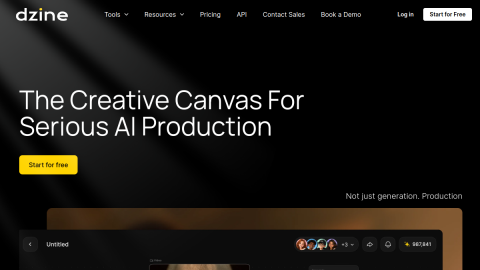
A design tool that combines AI generation with layer editing, supporting style transfer, inpainting and batch output, suited to visual exploration and product images.
A typical use is turning a real product photo into a 3D-looking hero image, or unifying the look of an image set.
What it does
- Style transfer keeps the subject and swaps the texture
- Layer-based editing after generation
- Batch generation with size presets
Best forTurn a phone product shot into a 3D-look hero image, Unify the visual style of a set of images
FAQ
How much does Dzine cost?
Free tier available; paid plans raise limits.
What is Dzine used for?
Typical uses: Turn a phone product shot into a 3D-look hero image; Unify the visual style of a set of images. Key capability: Style transfer keeps the subject and swaps the texture.
What are the downsides of Dzine?
Things to watch: Few free credits; edges in complex composites still need manual work.
Rate this tool
★★★★★★★★★★ 4.2
Editor rating
Sign in to rate →
Ad