DeepToSeek

Firebase StudioFreemium
Overview
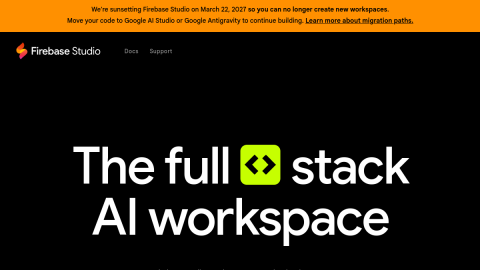
Firebase Studio combines AI app generation with a cloud development workspace: describe what you want and it scaffolds a Next.js, Flutter or Python project with browser preview, emulators and a Gemini assistant in the same window.
Because auth, database, functions and hosting live in one console, the step from prototype to deployed URL is short. Free workspace quota applies, heavier use needs a subscription, and generated project structure is conventional — real business logic still gets written by hand.
What it does
- Generates full-stack scaffolds from a prompt with live preview
- Gemini assistant edits code in-conversation
- Bundled Firebase auth, database, functions and hosting
- Import an existing GitHub repository and keep building
Best forValidating a full-stack idea quickly, Internal tools and prototypes, Front-end/back-end integration and deployment
FAQ
Is Firebase Studio free?
Free workspace quota with a Google account; paid plans for heavier use.
When should I use Firebase Studio?
Typical uses: Validating a full-stack idea quickly; Internal tools and prototypes. Key capability: Generates full-stack scaffolds from a prompt with live preview.
What are the downsides of Firebase Studio?
Things to watch: Workspace quota is limited on the free tier|Generated structure is templated; complex logic needs hand-written code.