DeepToSeek

Microsoft DesignerFree
Overview
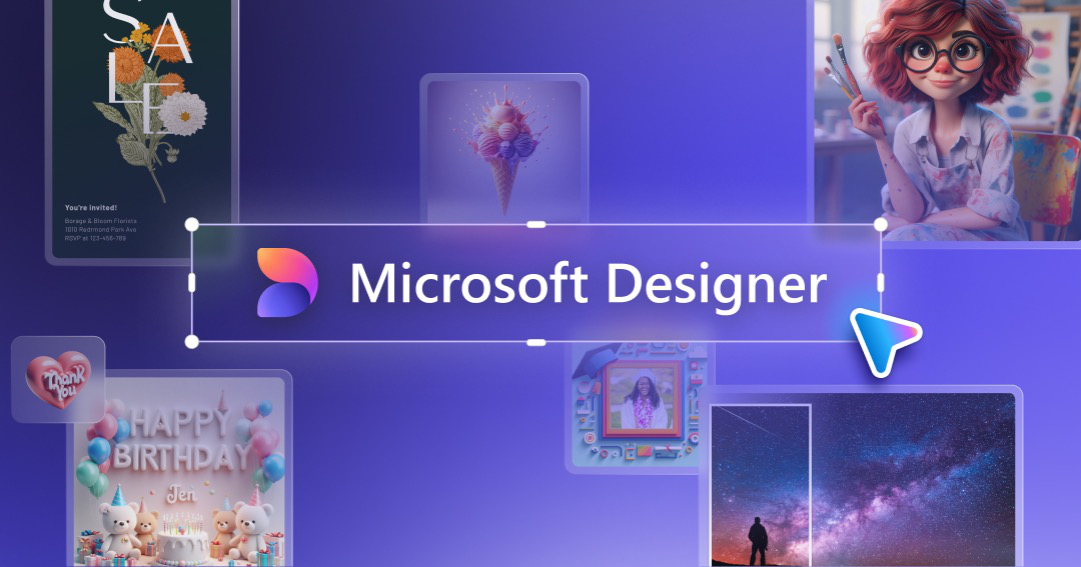
Microsoft Designer turns one sentence into an editable layout — headline, imagery and copy all adjustable — instead of handing you a flat picture.
Templates cover posters, social posts, invitations, resumes and slide covers, with PNG, JPG and PDF exports, and the same asset keeps working inside Word, PowerPoint and the Edge sidebar. It suits office teams with no designer on call, though Chinese typography inside generated images often breaks and needs reworking.
What it does
- One prompt returns an editable layout with separate text, image and colour layers
- Template library filtered by use case: posters, invites, resumes, social posts
- Upload a photo to cut out the subject and re-composite it on a new background
- Asset stays editable in Word, PowerPoint and the Edge sidebar
Best forEvent posters and social graphics, Cover images for reports and decks, Day-to-day visuals for teams without a designer
FAQ
Is Microsoft Designer free?
Free with a Microsoft account; premium templates and features require a Microsoft 365 subscription.
When should I use Microsoft Designer?
Typical uses: Event posters and social graphics; Cover images for reports and decks. Key capability: One prompt returns an editable layout with separate text, image and colour layers.
What are the downsides of Microsoft Designer?
Things to watch: Templates and type handling are less refined than dedicated design tools|Chinese characters inside generated images often break and need manual repair.