DeepToSeek

Miro AIFreemium
Overview
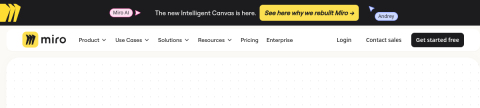
Miro is the established online whiteboard, and its AI addresses the messy part of collaboration: cluster sticky notes into themes, turn text into flowcharts and mind maps, summarise a board into minutes and action items, and generate user journeys or prioritisation matrices from a description.
In remote workshops that removes much of the tidying. Free teams have board limits and AI sits in paid tiers; clustering results still need manual adjustment and complex models must be drawn by hand.
What it does
- Cluster sticky notes into themes
- Generate flowcharts, mind maps and matrices from text
- Summarise a board into minutes and action items
- Large library of workshop templates
Best forTidy up remote brainstorming sessions, Map product requirements and user journeys, Run retrospectives and prioritisation
FAQ
How much does Miro AI cost?
Free tier; paid plans for AI features.
When should I use Miro AI?
Typical uses: Tidy up remote brainstorming sessions; Map product requirements and user journeys. Key capability: Cluster sticky notes into themes.
What are the downsides of Miro AI?
Things to watch: AI features sit in paid tiers; free boards are limited; Clustering output needs manual adjustment.