DeepToSeek

PolymerFreemium
Overview
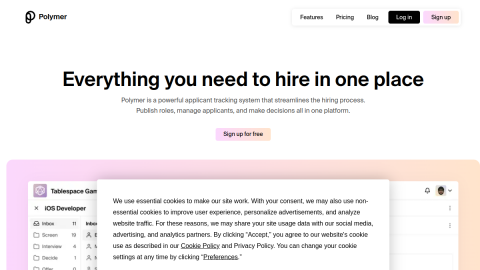
Polymer turns spreadsheets into conversational data apps: upload a CSV or connect a database and it infers field types, builds dashboards and charts, answers questions in natural language and lets people filter down to detail rows, with results shareable to the team.
For operators and analysts who do not write SQL, that removes the usual bottleneck. Free usage is capped, performance drops on large datasets, and ambiguous column names get misread until the data is cleaned.
What it does
- Upload or connect data to auto-generate dashboards
- Natural-language questions that return charts and answers
- Filtering, grouping and detail drill-down
- Shareable results for teams
Best forFast analysis of operational data, Self-service dashboards for non-technical colleagues, Ad-hoc reports and charts
FAQ
How much does Polymer cost?
Freemium with usage limits; paid plans for larger data and teams.
What is Polymer used for?
Typical uses: Fast analysis of operational data; Self-service dashboards for non-technical colleagues. Key capability: Upload or connect data to auto-generate dashboards.
What are the downsides of Polymer?
Things to watch: Free usage is capped; large datasets slow down|Ambiguous columns get misread without cleanup.