DeepToSeek

SendShortFreemium
Overview
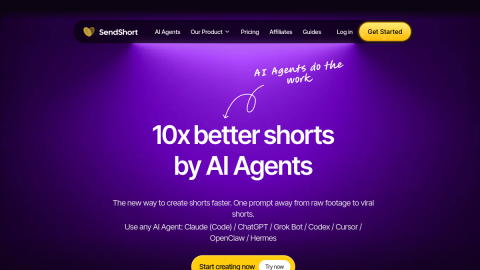
SendShort splits the long-to-short job into adjustable steps: it slices the source, you pick the segments, then apply caption templates, transitions and sound before exporting.
Because you can adjust start and end points, swap caption styles and reposition the crop, it gives more control than one-click clippers and suits creators already distributing at volume. Free quota is small and watermarked, long files queue, and Chinese speech recognition is average.
What it does
- Automatic slicing with manual start/end adjustment
- Multiple animated caption templates and sound effects
- Crop position that tracks the subject
- Batch export in several platform sizes
Best forSlicing long YouTube videos, Podcast and interview clips, Fragmenting course content
FAQ
Does SendShort have a free plan?
Freemium with a small quota; subscription for watermark-free and longer videos.
Who is SendShort for?
Typical uses: Slicing long YouTube videos; Podcast and interview clips. Key capability: Automatic slicing with manual start/end adjustment.
What are the downsides of SendShort?
Things to watch: Small free quota, watermarked output, long files queue|Chinese speech recognition is only average.