DeepToSeek
StylarFreemium
Overview
Stylar tackles the "where should this go" problem in text-to-image by splitting the canvas into layers: select a region, generate or restyle just that area, and mix the composition of one reference with the style of another.
For e-commerce and poster work this beats rerolling the whole image, because subject, background and text area are controlled separately. It also offers style transfer, outpainting and background removal; free credits run out quickly and HD export is paid.

What it does
- Layer-based editing: generate or restyle a selected region
- Separate composition from style across reference images
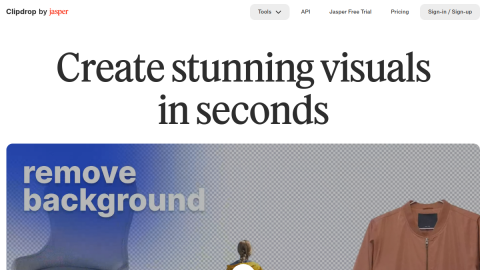
- Style transfer, outpainting and background removal
- Preset canvas sizes and design templates
Best forAdjust subject and background separately on product shots, Reserve space for text in a poster layout, Apply a target art style to a sketch composition
FAQ
Does Stylar have a free plan?
Free credits; paid plans for HD export and commercial use.
When should I use Stylar?
Typical uses: Adjust subject and background separately on product shots; Reserve space for text in a poster layout. Key capability: Layer-based editing: generate or restyle a selected region.
What are the downsides of Stylar?
Things to watch: Layer workflow has a learning curve; Free credits are consumed fast; HD export is paid.