DeepToSeek

Vocal RemoverFree
Overview
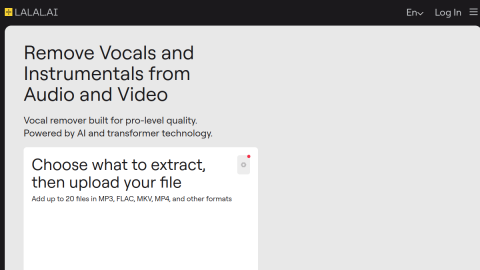
Vocal Remover is a free in-browser toolkit: split a song into vocals and instrumental, shift pitch or tempo, separate harmonies, detect tempo and record or trim clips — all locally in the browser.
For covers, transcription practice and rehearsal tracks it removes the usual software barrier. Free means ads, per-file limits, and separation quality below paid models, where vocals and accompaniment bleed into each other.

What it does
- Split vocals and instrumental with both stems exported
- Pitch and tempo adjustment, harmony separation
- Tempo detection and basic recording
- Runs in the browser without install or signup
Best forExtracting backing tracks for covers, Slowing tracks for practice, Removing original vocals for video dubbing
FAQ
Is Vocal Remover free?
Free with ads and file limits.
What is Vocal Remover used for?
Typical uses: Extracting backing tracks for covers; Slowing tracks for practice. Key capability: Split vocals and instrumental with both stems exported.
What are the downsides of Vocal Remover?
Things to watch: Ads plus file size and duration limits|Separation quality below paid models.