DeepToSeek

Zoom AI CompanionFreemium
Overview
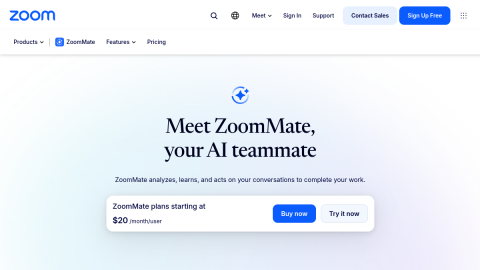
Zoom AI Companion covers the meeting lifecycle: draft an agenda beforehand, generate live captions and highlights during the call, then produce a summary with action items and who committed to what, and you can ask follow-up questions about earlier meetings in chat.
For teams already on Zoom it means meeting notes without another purchase, included on paid accounts. Quality depends on audio and clear turn-taking, and attribution breaks when people talk over each other.
What it does
- Agenda generation, live captions and highlights
- Post-meeting summary, action items and owners
- Follow-up questions about past meetings
- Included with paid Zoom accounts
Best forTeam standups and client calls, Cross-timezone sync notes, Interview and user-research records
FAQ
How much does Zoom AI Companion cost?
Included with paid Zoom plans at no extra cost.
Who is Zoom AI Companion for?
Typical uses: Team standups and client calls; Cross-timezone sync notes. Key capability: Agenda generation, live captions and highlights.
What are the downsides of Zoom AI Companion?
Things to watch: Depends on audio quality; speaker attribution breaks with crosstalk|Summaries are shallower than dedicated meeting tools.